By the end of this post, you’ll have a first-hour plan for any cloud outage you can’t fix yourself. It’s built around three moments: the first minutes, the hours while it’s down, and the all-clear. It covers what to tell clients, where to post it when email is the thing that’s down, how to capture every report as a ticket, and how to close it out so clients see the whole response.
Last week made the case for writing it now. A Microsoft 365 disruption that began on November 12 affected Outlook, mail delivery and the Teams features that depend on Exchange Online, and recovery ran into the next day. Nobody at your shop could bring Exchange back. Your clients called you anyway, and that’s the right instinct on their part. In a vendor outage, you’re not the repair crew. You’re the source of truth.
The plan below runs in the order you’ll need it.
Confirm it and tell clients within 15 minutes
This first step happens outside CloudRadial. Check Microsoft’s service health dashboard and the monitoring in your RMM. If three clients report the same symptom inside five minutes, count that as confirmation too.
Then send a first notice. It doesn’t need a root cause, and it shouldn’t guess at one. It needs four things: what’s affected, whose issue it is, what you’re doing about it, and when the next update is coming. A version you can adapt:
“We’re aware that Microsoft 365 email and some Teams features are down for many organizations right now. This is a Microsoft issue, not something on your side. We’re tracking it and will update you by 10:00.”
Leave out fix times. You don’t control them, and a missed estimate costs more trust than no estimate at all.
Reach people at their desks, and give your client contact one place to check
Most MSPs send client updates by email, which fails in exactly this situation. Two groups need to hear from you, and they need different things.
The people at their desks need to know it isn’t just them. Signal, which is in beta with CloudRadial partners right now, puts an alert on their screen with no inbox and no portal to open. It says what’s down, that you’re on it, and where to go for more if you have a link to share. If you’re not in the beta, a broadcast message reaches users who have the desktop tray app as a Windows notification.
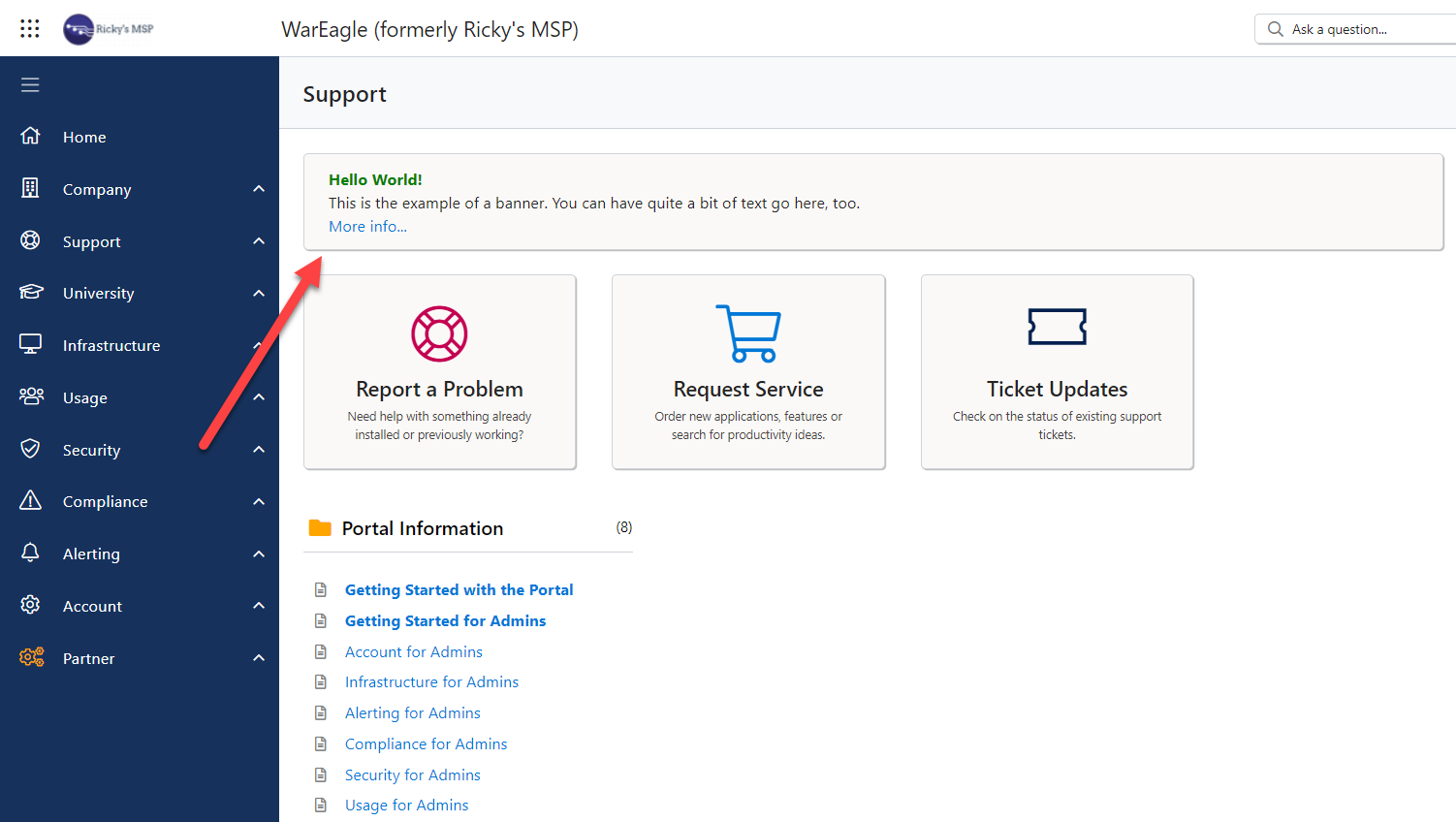
The person at your client who fields everyone’s questions needs one place to check. A banner in CloudRadial’s Unified Client Portal gives them the current status for as long as the outage lasts. You choose the message, the audience and the placement: the login page, the home page, and the report-a-problem and service request pages. Anyone who opens the portal to report the problem sees your update before they file.
Update your phone greeting too. Something as short as “We’re aware of the Microsoft 365 email outage and we’re tracking it. Check your portal for updates” covers everyone who calls before reading anything.
One more check: if clients sign in to your portal through the provider that’s having the bad day, test that path. The login-page banner shows before sign-in, which is why it’s the first place to post.
Keep every report, and give clients a way in that isn’t email
You’ll still get reports, and you want them. Each one is a record of who was affected, and that list drives everything later: who gets updates, who you confirm recovery with, and what goes in the recap.
The gap is intake. If clients usually reach you by email and your phone line has a queue, an email outage leaves them one slow option.
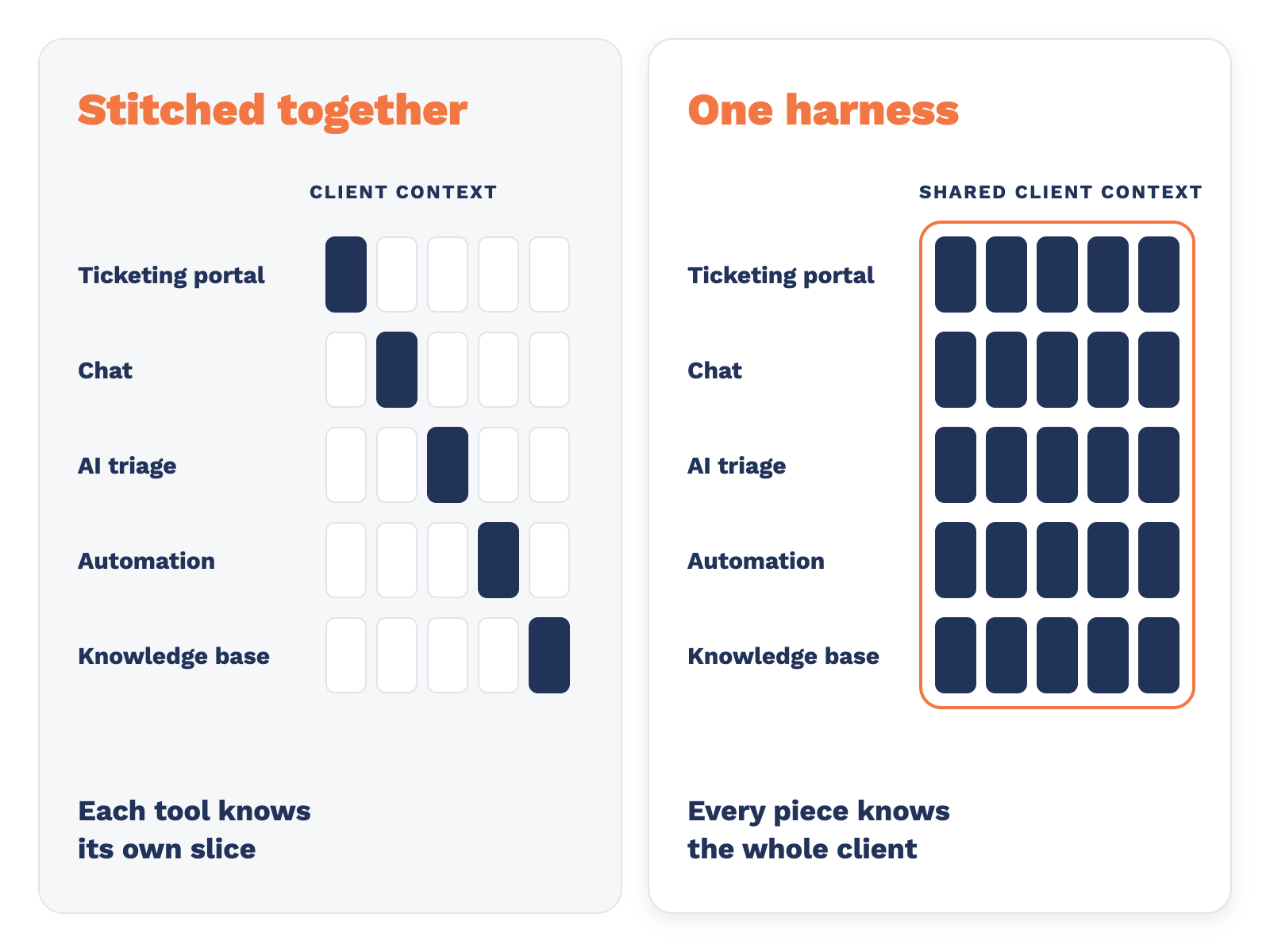
CloudRadial Chat gives them another way in. It runs in the portal, on the web, in Teams and Slack, and on Pro and Enterprise plans, over SMS. Every conversation creates or updates a ticket in your PSA, so nothing a client tells you gets lost. On ChatAI Pro and Enterprise, the AI Responder interviews the user first and writes a clearer ticket before a tech picks it up. Chat Starter is free and doesn’t include AI, but it still turns every conversation into a ticket.
Let triage group the duplicates
Forty tickets that say “Outlook isn’t working” can hide the one ticket that’s about something else entirely.
ServiceAI works inside your PSA. As tickets arrive, it triages them in seconds: it flags likely duplicates, links related tickets, sets priority and routing, and leaves a note explaining what it did. Your techs see one outage with its reports linked together instead of forty separate problems, and the unrelated ticket stays visible.
It doesn’t close tickets on its own. Your team decides what happens next.
Check your tier before the next big day: ServiceAI Enterprise includes unlimited triage, while ServiceAI Professional includes triage up to a monthly cap. If outages and other spikes are a regular part of your year, see how much headroom you have.
Update on a schedule, then close it out
Your first notice promised a next update. Keep that promise even when the update is “no change yet.” A predictable cadence tells clients you’re on it without them having to ask. Every 30 or 60 minutes is common.
For each update, edit the banner and send a fresh alert, so the newest information is what people see first and everyone knows when the next one is coming.
When Microsoft reports the issue resolved:
- Send a second alert with the all-clear: it’s fixed, what to do if something still looks wrong, and how to reach you.
- Take the banner down.
- Work through the linked tickets in your PSA. Add a note, confirm with anyone still affected, and close them. Clients can check where their own ticket stands in the portal, which we covered in Where’s my ticket?
- A day or two later, send client contacts a short recap: what happened, how long it lasted, what you did, and anything you’d change.
The recap is easy to skip once the pressure’s off. Send it anyway. It’s the first time a client sees your whole response in one place.
Where outage communication usually goes wrong
- Email as the only channel. It’s the most common miss, and it’s the one this whole plan is built around.
- Guessing at a cause or a fix time. When the vendor revises its story, you end up revising yours in front of every client.
- Long gaps between updates. A quiet hour reads as nobody watching, even when your team is working hard.
- Too many voices. Two techs sending different updates is worse than one late update. Name one owner.
- A banner left up for days. A stale outage notice makes the portal look unattended.
- Tickets closed without a note. The ticket history is your record of what you handled. Leave it complete.
Build the outage kit before the next one
An hour this week makes the next outage calmer. Here’s what goes in the kit:
- Pre-written messages for the first notice, the scheduled update, the all-clear and the recap, with blanks for times and services.
- One named owner who posts banners and sends alerts while everyone else works tickets.
- A channel list that notes what each channel depends on: desktop alert, portal banner, chat, phone greeting.
- A set cadence, plus the person who signs off on the all-clear.
- An automated first notice, if your tools allow it. The less anyone has to type in the first few minutes, the faster the notice goes out.
Set it up
Banners are available in the CloudRadial portal today. The setup steps are here: How to set up portal banners. Signal is in beta with CloudRadial partners. If you’re a partner and want help getting either one set up, contact success@cloudradial.com.
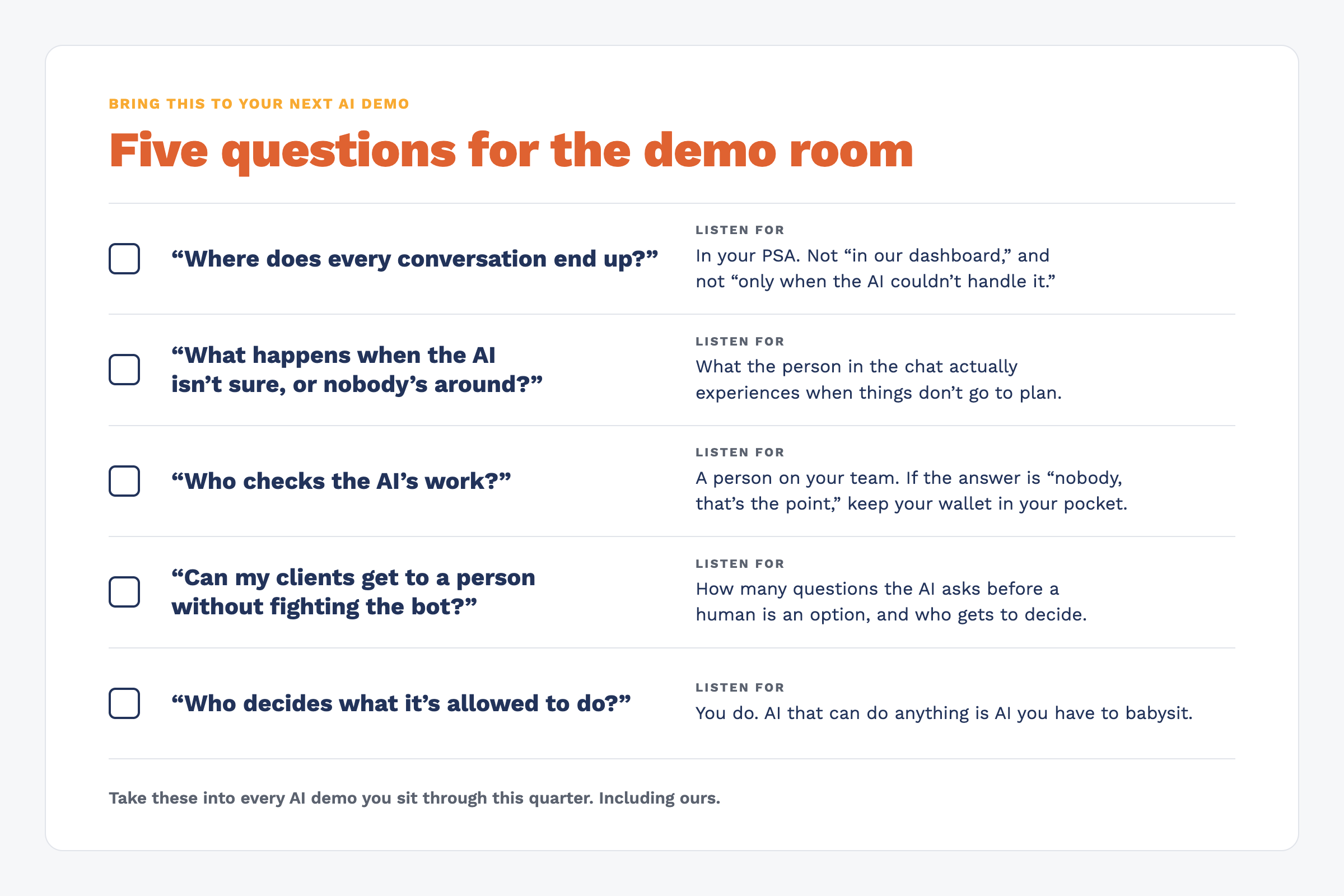
If you’re new to CloudRadial and want to see this with your own setup, book a demo. We’ll walk through posting a banner, sending an alert, a chat report becoming a ticket, and ServiceAI linking related tickets as they come in.
Frequently Asked Questions
What should an MSP do first when Microsoft 365 goes down?
Confirm it with the vendor’s service health dashboard and your own monitoring, then tell clients quickly in plain language: what’s affected, that it’s a vendor issue, and when you’ll update next. Don’t guess at the cause or promise a fix time. With CloudRadial, you can post that notice as a portal banner and a desktop alert.
How do you reach clients during an email outage?
Use channels that don’t depend on email: a banner in your client portal, desktop alerts, chat and your phone greeting. CloudRadial’s Unified Client Portal supports banners on the login, home and request pages. For partners in the beta, Signal puts an alert on users’ screens without email or a portal.
Should an MSP still create tickets for a vendor outage?
Yes. Each report is a record of who was affected, which you’ll need for updates, confirming recovery and the client recap. CloudRadial Chat creates or updates a ticket in your PSA for every conversation, and ServiceAI flags likely duplicates and links related tickets so techs see the pattern.
How often should an MSP update clients during an outage?
On a fixed schedule, often every 30 to 60 minutes, even when nothing has changed. Always say when the next update is coming.
What should an MSP send after an outage is resolved?
An all-clear alert right away with steps to take if anything still looks wrong, then a short recap a day or two later covering what happened, how long it lasted and what you did. Take the portal banner down and close out the related tickets with a note.